All parts
Bookings
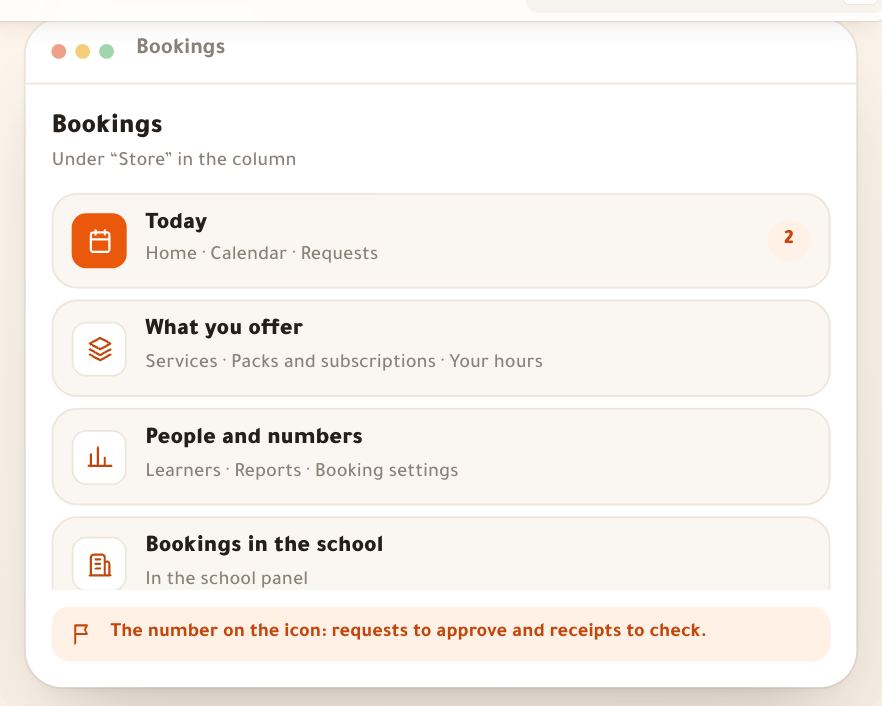
What you sell of your time: services and packs, your hours, the calendar and requests, the session room, and what learners see.
Getting started3 lessons
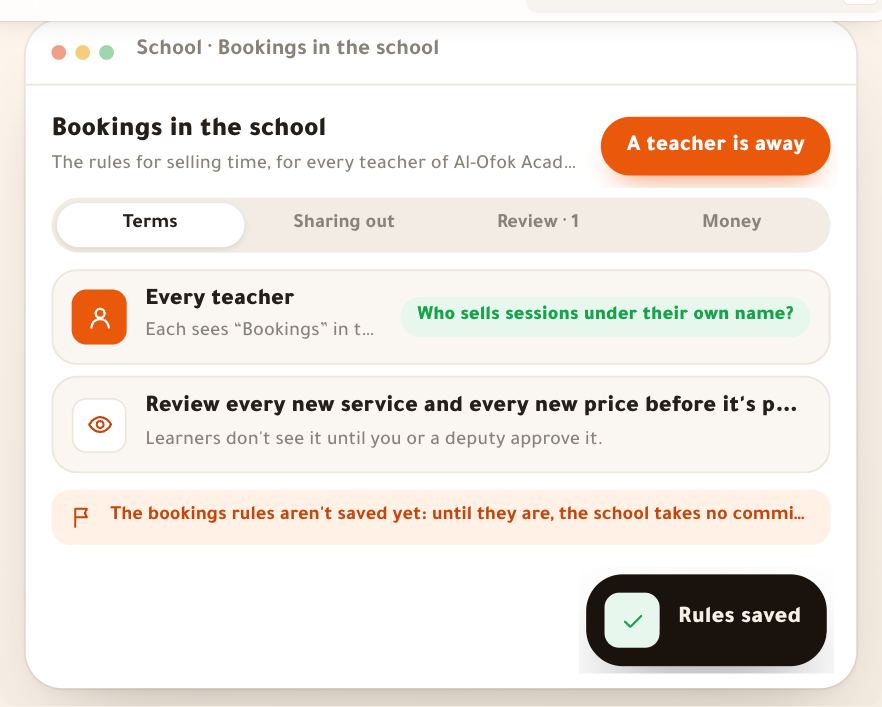
- Bookings at a glance“Bookings” is a section of its own in your dashboard where you sell your time: a one-to-one whose time the learner picks from your hours, a group session with seats, a weekly standing slot on a monthly subscription, an intro call, a work review with no appointment, or an in-person session at your place. Learners book from the booking page on your site or from their portal, pay with your store’s methods or with their pack’s credit; the booking lands in your calendar, the reminders go out, you meet in a built-in video room, and afterwards they read your summary and homework in “My sessions”. This lesson shows the whole section at once, with “Al-Ofok Academy”: Salim Bouzid, a physics teacher, sells a 60-minute “Private revision session” at 2,500 DZD. The same path works for a photographer selling studio sessions or a marketing coach selling a weekly follow-up.6 steps · 6 minutes to read
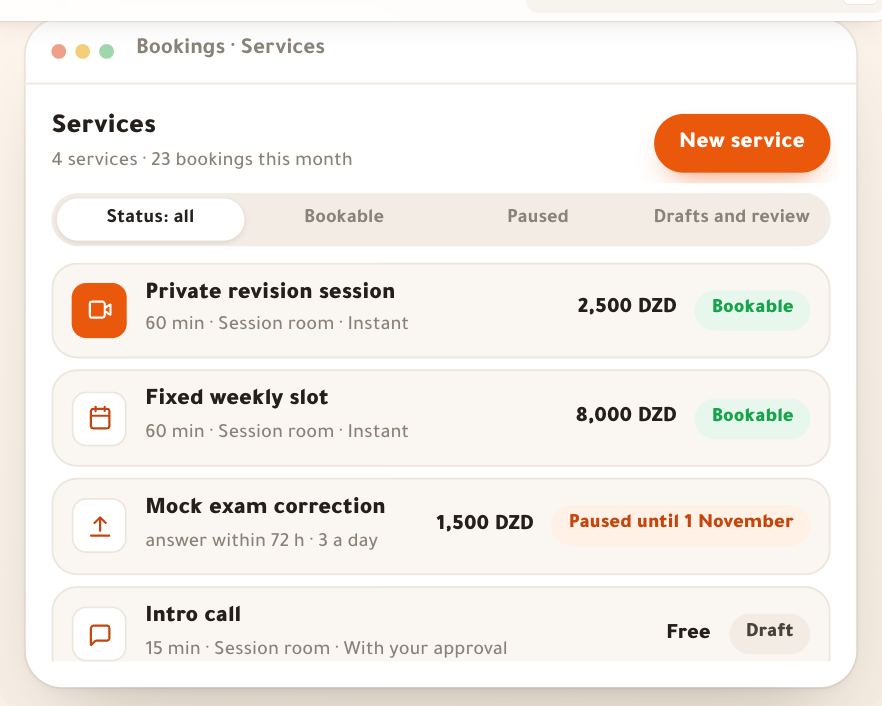
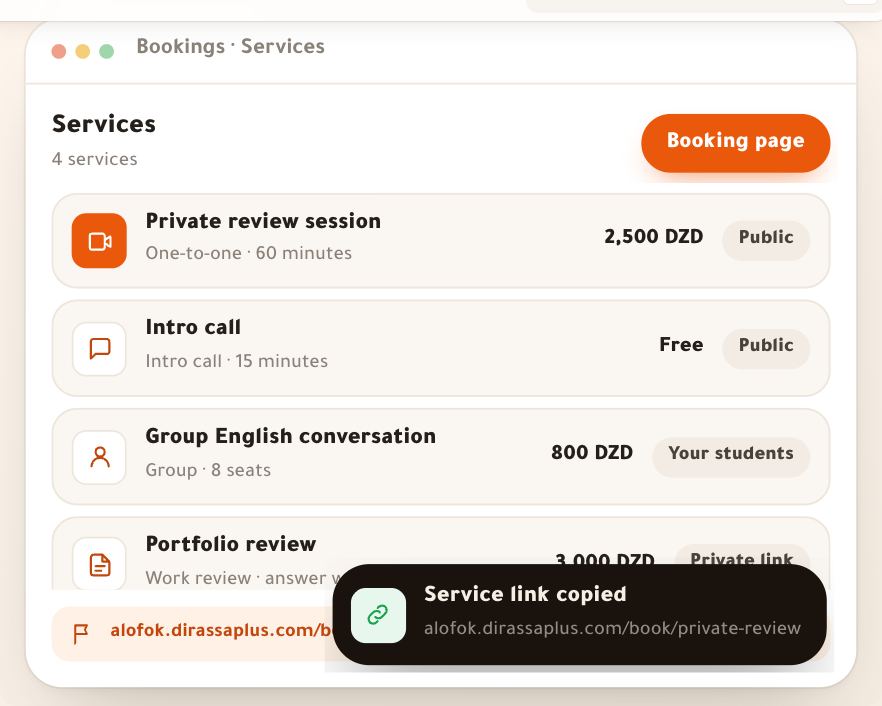
- ServicesA service is what people book of your time: a kind, a length, a price, where you meet, how it is confirmed and who sees it. All six kinds are made in one editor, and the kind decides what shows in it: seats and a minimum for a group session, what to send and the promised answer time for a work review, a monthly price for a weekly slot. In this lesson Salim Bouzid at “Al-Ofok Academy” creates a 60-minute “Private revision session” at 2,500 DZD, and with him we look at Karim Zerrouki’s “Group English conversation” and the photographer Leila Kacimi’s “Studio lighting workshop” and “Portfolio review”.7 steps · 10 minutes for the first service
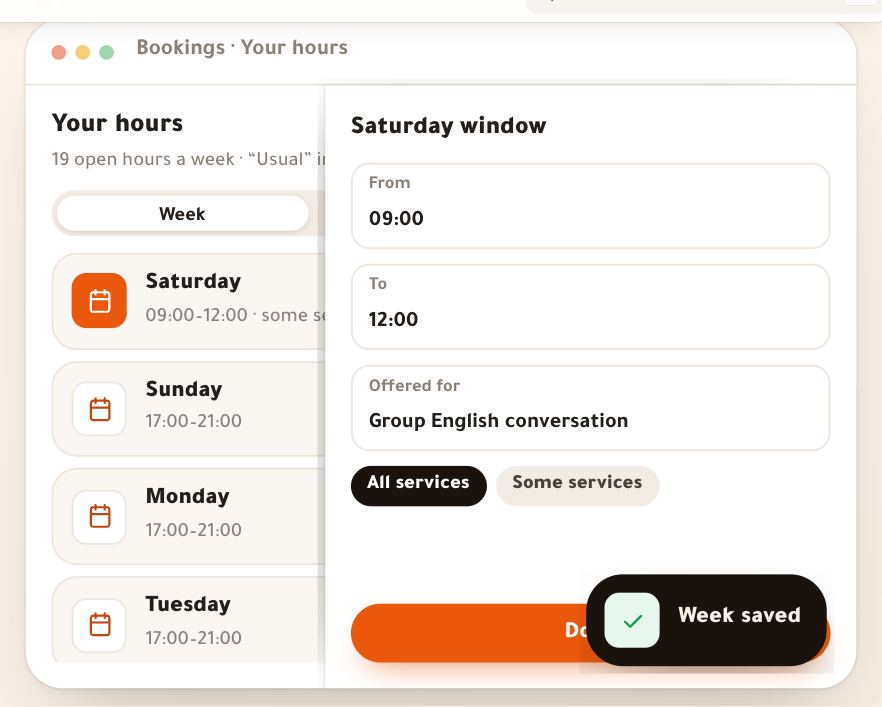
- Your hoursEverything people book with you comes from one page: “Your hours”. You draw your week once, add a Ramadan or summer schedule that switches by itself on its dates, close the days you’re away, and set the booking rules: how many hours before a time it can be booked, up to which day, how many minutes you rest between two sessions. Whatever fills your time elsewhere — a live class, an “Organization” event, a Google Calendar appointment — closes the hour by itself. And when something comes up, you close the time and decide each booking in it before anything closes. The example: Karim Zerrouki, English teacher at “Al-Ofok Academy”: his evenings for the “Private review session”, Saturday morning for the “Group English conversation” only, Friday closed. The same page serves a photographer opening her Hydra studio three days a week, or a marketing coach fitting sessions between meetings.7 steps · 15 minutes
What you sell2 lessons
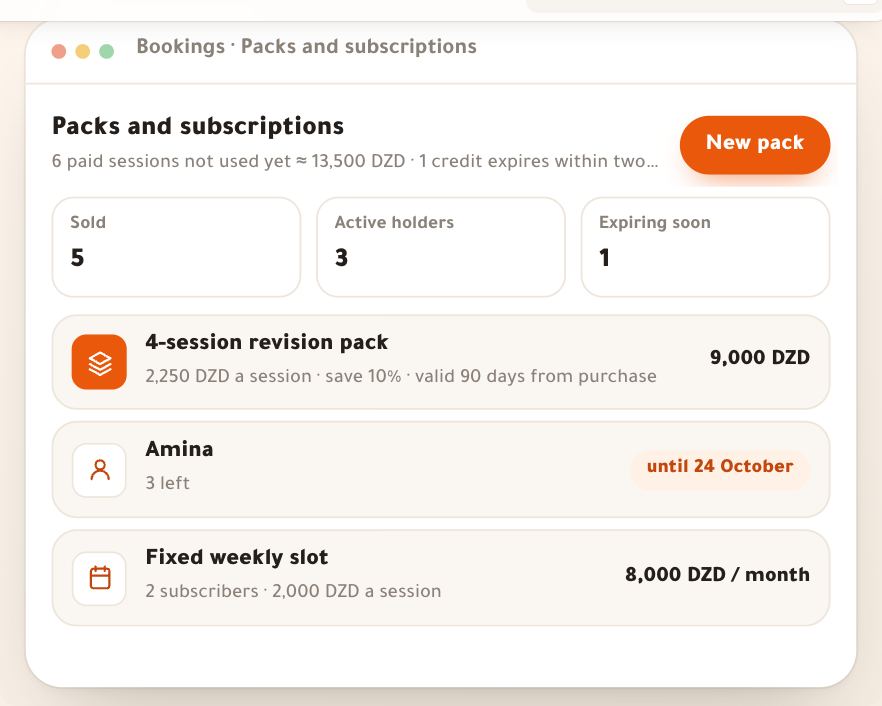
- Packs and subscriptions“Packs and subscriptions” are two ways to pay ahead. A **pack** is credit in time, bought for less and spent on the services you choose, until a date you set. A **monthly subscription** holds the same day and hour every week for the learner, paid by the month. The learner keeps their place and pays less; you are paid ahead. In this lesson Salim Bouzid at “Al-Ofok Academy” sells a “4-session revision pack” at 9,000 DZD instead of 10,000, which Amina in Ouargla buys; and a “Fixed weekly slot” at 8,000 DZD a month for four sessions, which Youcef subscribes to every Thursday at 18:00. The same works for a fitness coach selling 8 sessions or a marketing coach selling a weekly follow-up.6 steps · 7 minutes
- Your booking pageEvery service you turn on in “Bookings” becomes a page on your academy's address where any visitor books without an account: they pick a time that is really free, type their name and phone, pay the way you allow, and get the reminders and the room link. This lesson shows those pages as the visitor sees them, so you know what to share and can answer when someone asks. At “Al-Ofok Academy”, Salim Bouzid shares the link to “Private review session” (60 minutes, 2,500 DZD): Youcef in Oran books it as a guest, Rania in Paris on her own clock, and Amina joins the waiting list for “Group English conversation”. The same pages serve a photographer selling a studio workshop or a marketing coach selling a follow-up session.7 steps · 6 minutes to read
The day and the session4 lessons
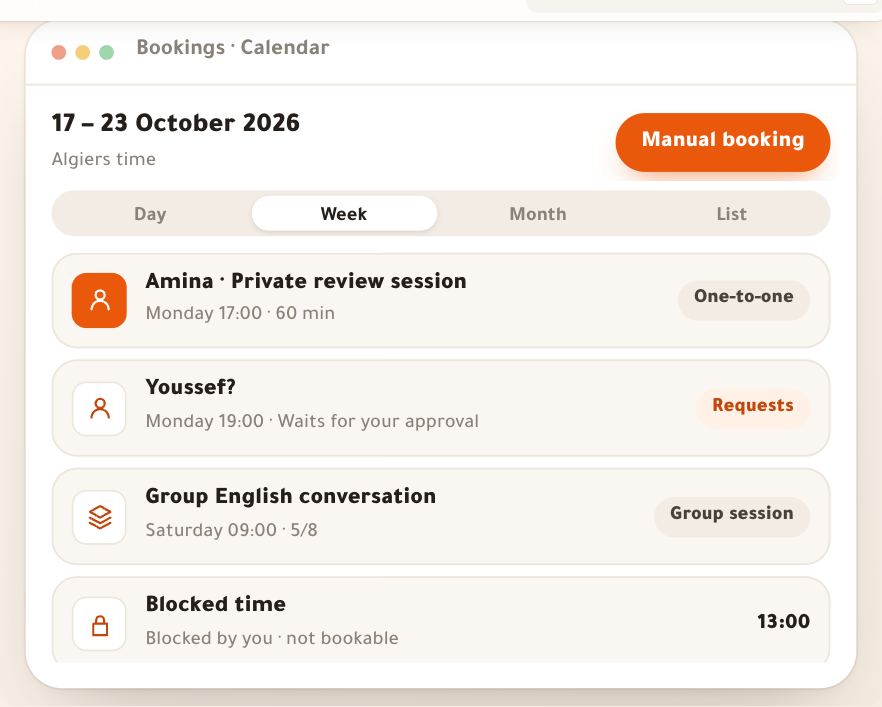
- Calendar and booking cardEverything booked with you lands in the “Calendar”: one-to-ones and group sessions, requests waiting for your approval, time taken by your other calendars. You read your week at a glance; tap a session and its card opens beside the page: who, when, where, how it was paid, what they wrote, and one prominent button for what needs doing now. You move a session by dragging it, log a booking that came by phone, publish a group session, block your lunch hour. The example: “Al-Ofok Academy”’s week of 17–23 October — Amina from Ouargla on her pack, Youssef in Oran asking for a time, Rania in Paris, Karim’s “Group English conversation” with eight seats, and Manal running Salim’s calendar. The same page serves a marketing coach grouping her sessions or a photographer running studio workshops.7 steps · 12 minutes
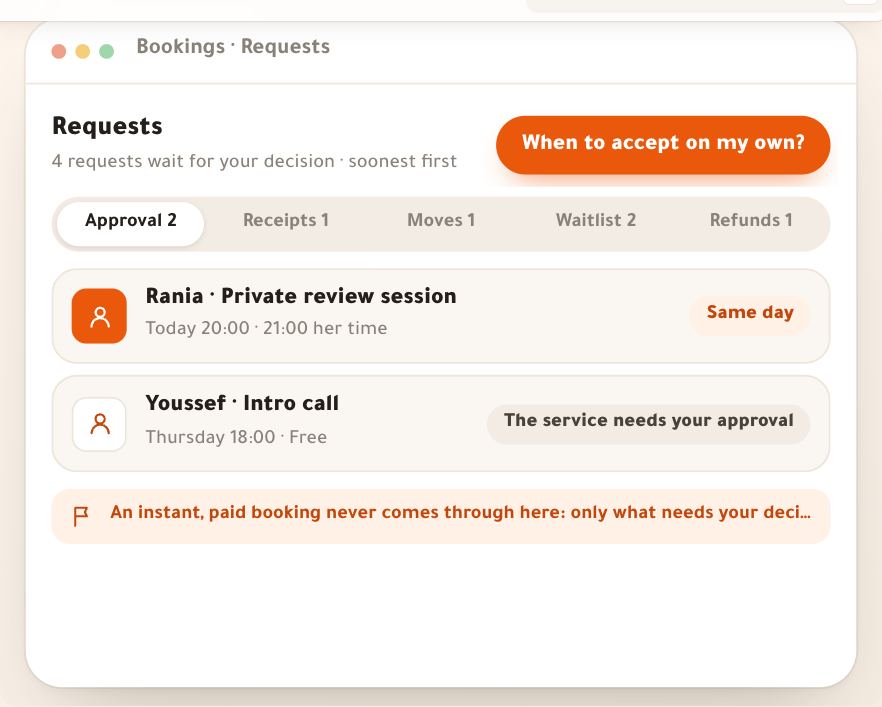
- Requests and paymentMost bookings happen on their own: the learner picks a time, pays, and the session is confirmed. The “Requests” page gathers what needs a person: a booking that wasn't accepted automatically, a BaridiMob receipt to look at, a learner asking for another time, a seat freeing up for someone waiting, money you owe back. Underneath, one rule for money: every session and every pack is sold through the store's own engine, with its payment methods, and the money reaches you directly. In this lesson, a day at “Al-Ofok Academy”: Manal, Salim's assistant, accepts his calendar's requests and checks his receipts, and Leila runs the waitlist of her workshop at the Hydra studio. The same page serves a fitness coach, a photographer or a marketing consultant selling their time.7 steps · 8 minutes
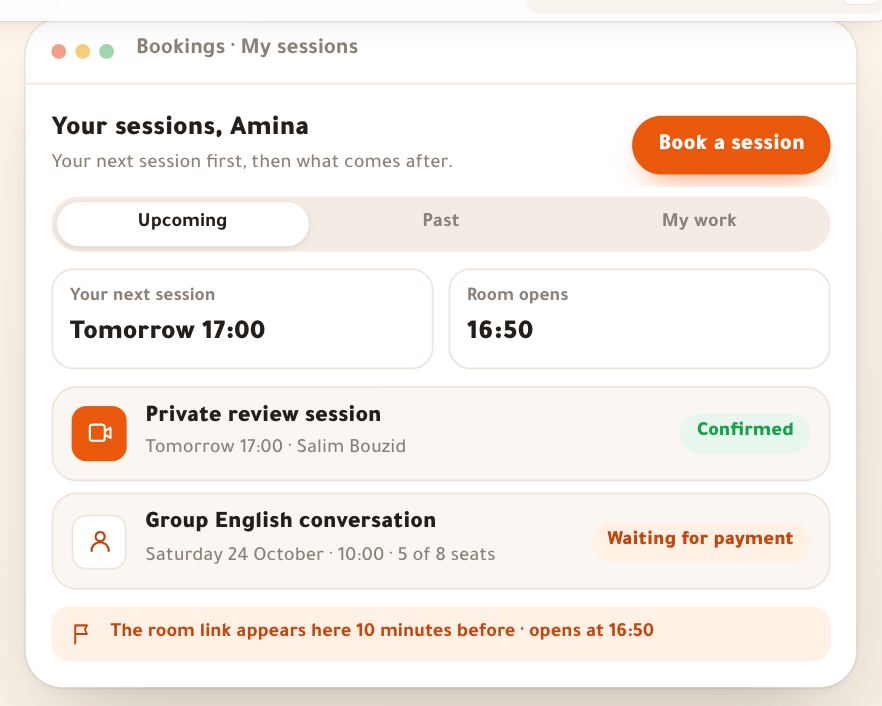
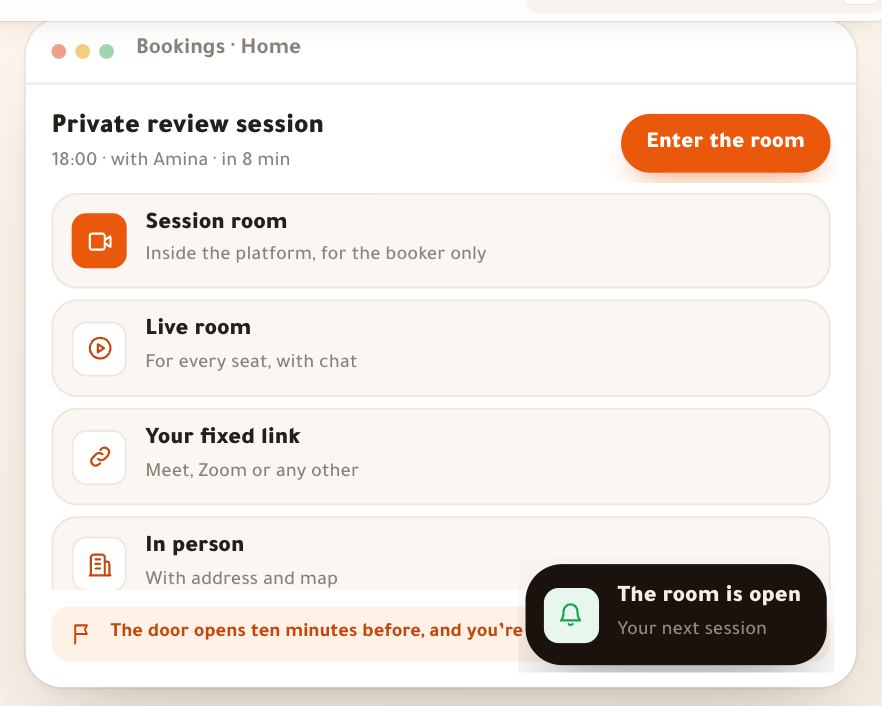
- The session roomEvery confirmed booking knows where the learner meets the teacher, from what you chose in the service under “Where you meet”: the “Session room” for one-to-one sessions, weekly slots and intro calls — video in the browser, no app, no link to paste; the “Live room” for group sessions; “Your fixed link” on Meet or Zoom; or “In person” with an address, a map and a code at the door. In this lesson Salim Bouzid, physics teacher at “Al-Ofok Academy”, meets Amina from Ouargla for a “Private review session” on Tuesday 20 October at 18:00; Karim Zerrouki runs a “Group English conversation” in the live room; and photographer Leila Kacimi welcomes her workshop in her Hydra studio.7 steps · The session itself; a minute to get the room ready
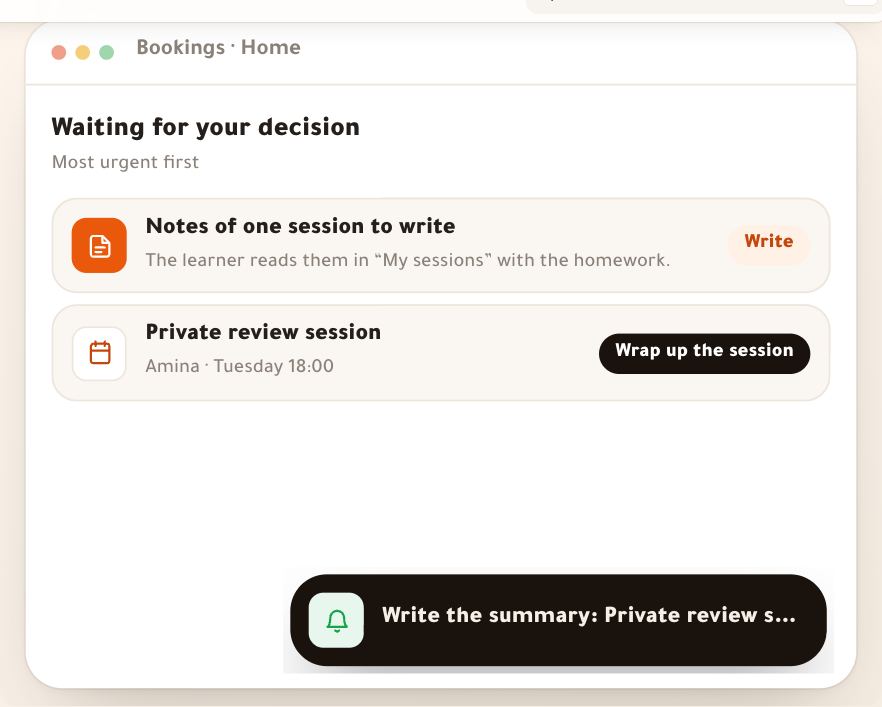
- Session wrap-upA session doesn’t end when the camera turns off: what stays with the learner is what you write afterwards. The “Wrap up the session” panel is short on purpose: did they come? what reaches them? then one send. There you record attendance under the academy’s policy, write the summary or let Noqta draft it from your shared notes, add homework with its date and files, see what the pack used and the recording, and book the next session. Services without an appointment have the “Work review” desk: you comment right on the pictures, assess in words and record a voice note. We follow Salim Bouzid and Amina after the “Private review session” on Tuesday 20 October, then watch photographer Leila Kacimi review Youcef’s portfolio from Oran.7 steps · 3 minutes per session; a work review takes what the work takes
People and rules2 lessons
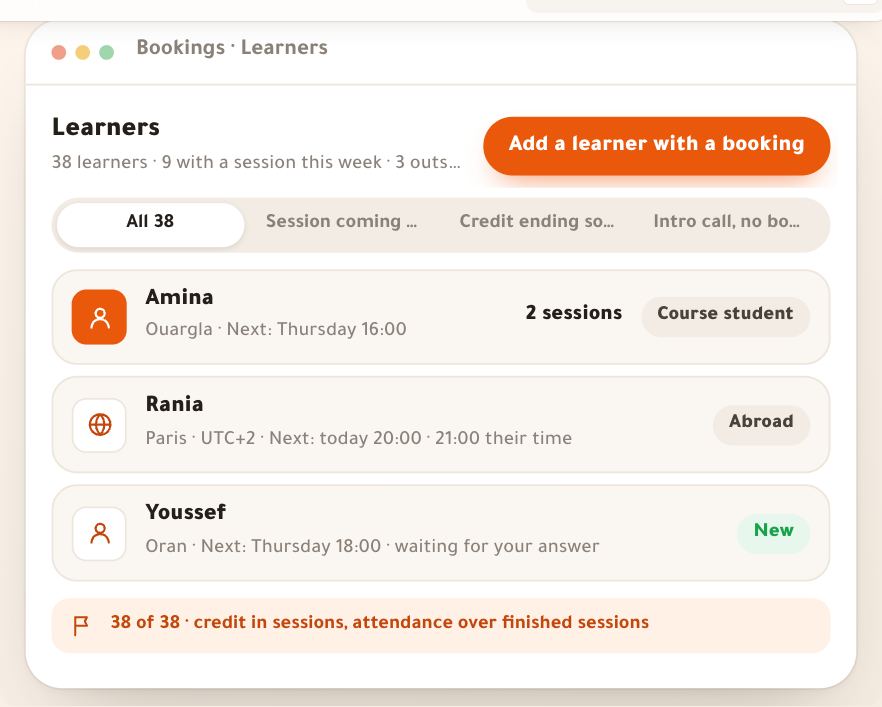
- Learners and reportsEveryone who books with you or buys a pack becomes a row in “Learners”: their sessions, the last and the next, their credit, their attendance. The row opens their profile: what they were told in each session, their homework, and their credit in a ledger where nothing is erased, every move with its reason. When you need to make up a session or fix a mistake, you grant or adjust credit by hand — always with a written reason. Then “Reports”: numbers to act on, not decoration. In this lesson, Amina from Ouargla and her 4-session pack with Salim, Manal who runs his calendar, and Nesrine, a marketing coach, reading her reports. Both pages work the same for a fitness coach, a photographer or a language teacher.7 steps · 7 minutes
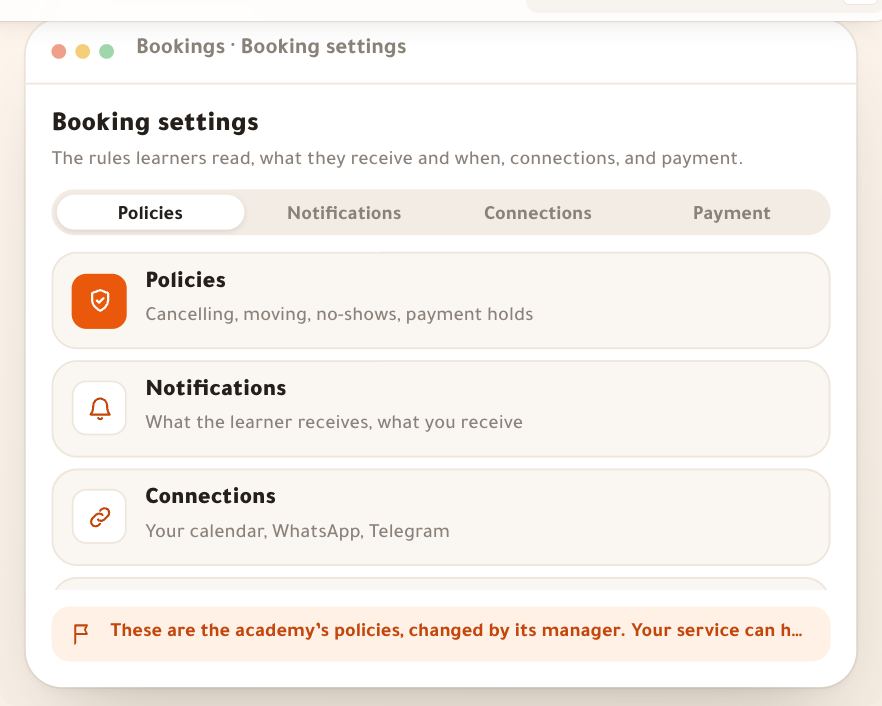
- Booking settingsWhat happens when a learner cancels, doesn’t come or is slow to pay isn’t decided case by case: you write it once in “Booking settings”, the learner reads it as one clear sentence before paying, and the platform applies it by itself. On the same page you choose which reminders learners get and when, make your sessions show in your phone’s calendar, let your other appointments close your booking hours, and prepare WhatsApp messages to send from your own number. And payment? It is the store’s, with the same methods. In this lesson Salim Bouzid sets the rules for “Al-Ofok Academy”, Leila Kacimi connects her Google Calendar, and we see what happens when Youssef in Oran cancels late. The same rules suit a marketing coach selling consulting sessions or a photographer booking studio shoots.7 steps · 12 minutes