All parts
Lives
Broadcast from the browser: a class for a course, a free or paid live, a series and a Q&A hour; the studio and the stage, the chaptered replay, the summary and attendance.
Getting started3 lessons
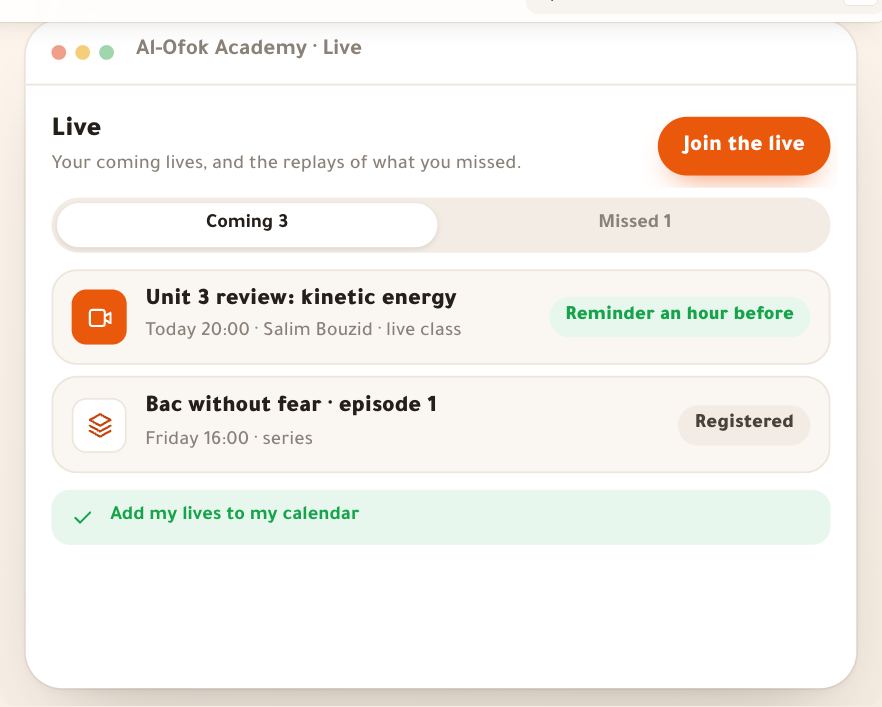
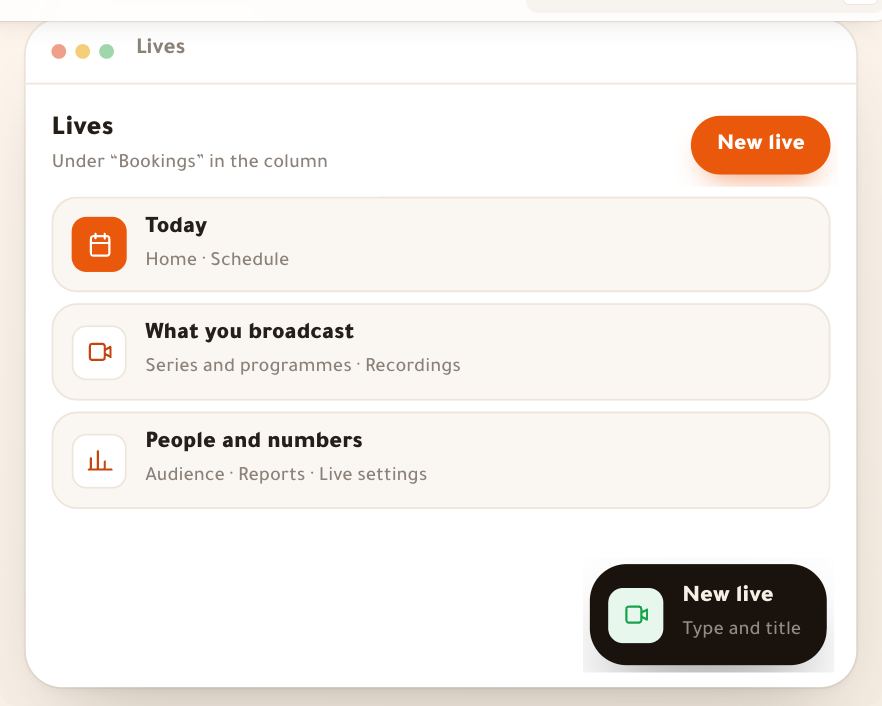
- Lives at a glance“Lives” is a section of your dashboard where you teach live: a class for a course’s students, a free live with registration, a paid workshop, or a weekly slot. You start it now in one press, or schedule it and the reminders go out on their own; afterwards you send the summary and homework to those who came and those who missed it. **Today every live runs on a Google Meet or Zoom link** you paste once: the Dirassa+ room (streaming from the browser, with questions, polls and recording) isn’t open yet, and when it opens its option comes back in “New live” by itself. Picture, sound and chat happen in your meeting; we keep the live’s page, the reminders and who clicked to join. Example: at “Al-Ofok Academy”, Salim Bouzid, a physics teacher, reviews “Unit 3: kinetic energy” tonight with 46 students on his Google Meet link. The road is the same for a photography trainer running a free live, or a marketing coach selling a “Reels in an hour” workshop.6 steps · 6 minutes to read
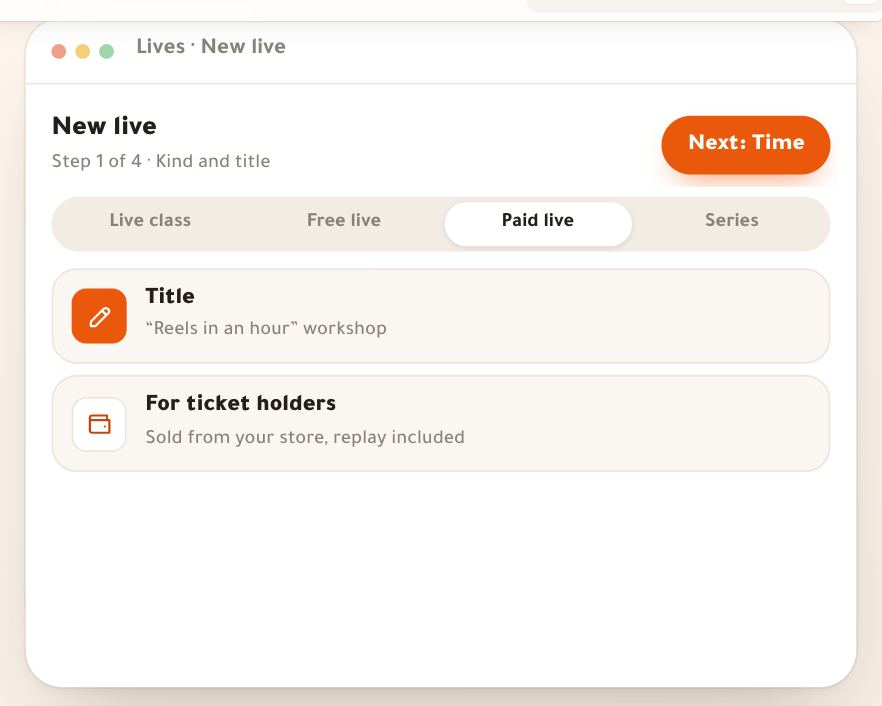
- New live“New live” is two ways in. **Start now**: one screen that starts a live this minute on your link, which is what most teachers do. **Schedule**: the title, “Who is it for?” which names the kind, the time in Algiers time, and the place; everything else has a ready value under “More”. Today every live runs on a Google Meet or Zoom link, because the Dirassa+ room isn’t open yet. Our examples: Nesrine Haddad, a marketing and content coach, sells the “Reels in an hour” workshop on Saturday 31 October at 10:00 for 1,200 DZD; Salim Bouzid, a physics teacher, starts a last-minute session for his course in one press; Karim Zerrouki teaches English on Zoom.6 steps · A minute to start now, about 3 minutes to schedule
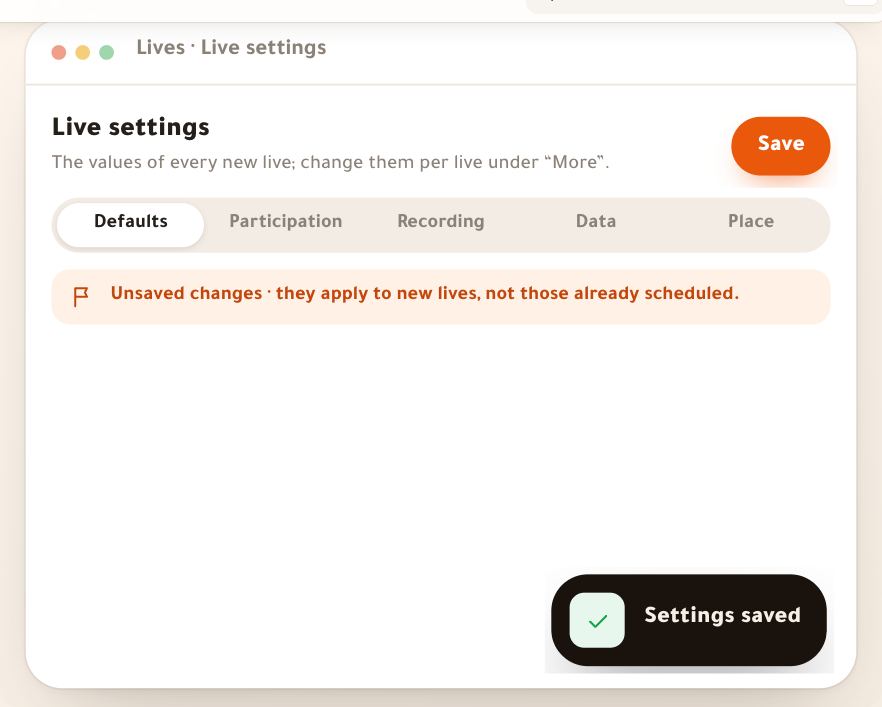
- Live settingsEvery new live starts with ready values that come from here: reminders, backstage and waiting-room times, when it ends by itself, chat, question and stage rules, recording and replay, and quality. You set them once for the academy and change them for any live under “More”. Plus your personal choice: where your lives happen. Salim Bouzid sets “Al-Ofok Academy”’s values once, and Karim Zerrouki keeps the Zoom link he teaches on. Today, while the Dirassa+ room isn’t open, lives run on a Google Meet or Zoom link: they take from here the reminders, when starting opens for you and when students see the join button, and questions ahead; what concerns the room (the automatic end, chat and stage, recording and quality) works once it opens.6 steps · 5 minutes, once
The studio and on air2 lessons
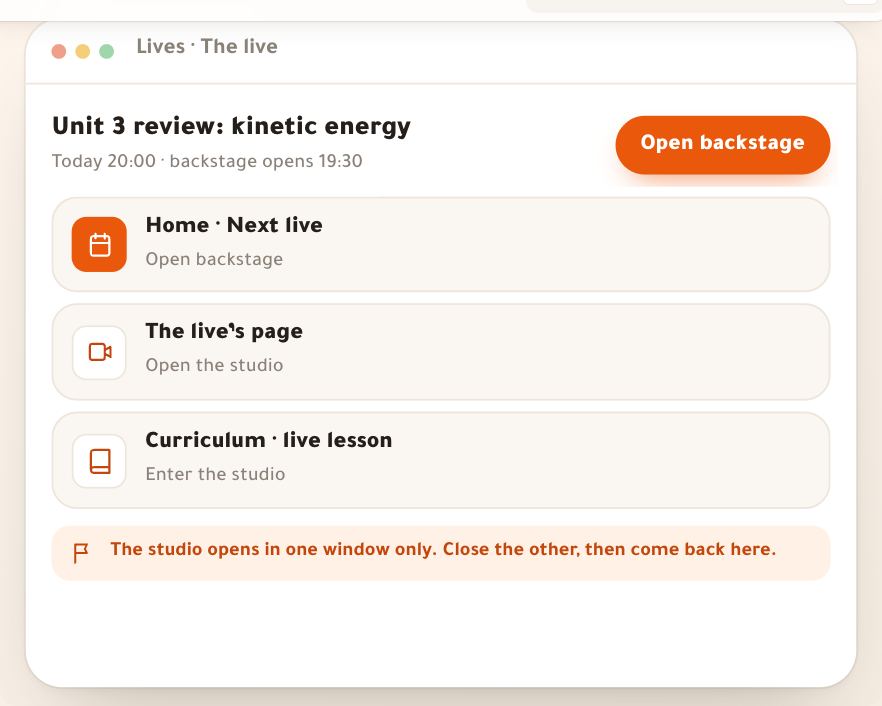
- The studio before airThe studio is a full browser page you broadcast from, on a dark background so your face and slides stand out. Before going live you pass three stops: the device check (a minute), backstage where nobody sees you yet, then “Go live”. Here Salim Bouzid prepares tonight’s Unit 3 review at 20:00: he tests his devices, sees Manel the moderator ready, pins Amina’s question to start with, uploads his slides and picks “Slides + camera”. The same road for a photography trainer sharing Lightroom, or an English tutor writing on the board. The Dirassa+ room isn’t open yet: until it is, every live runs on a Google Meet or Zoom link, with no studio; this lesson describes the studio as it works once the room opens.6 steps · 5 minutes before each live
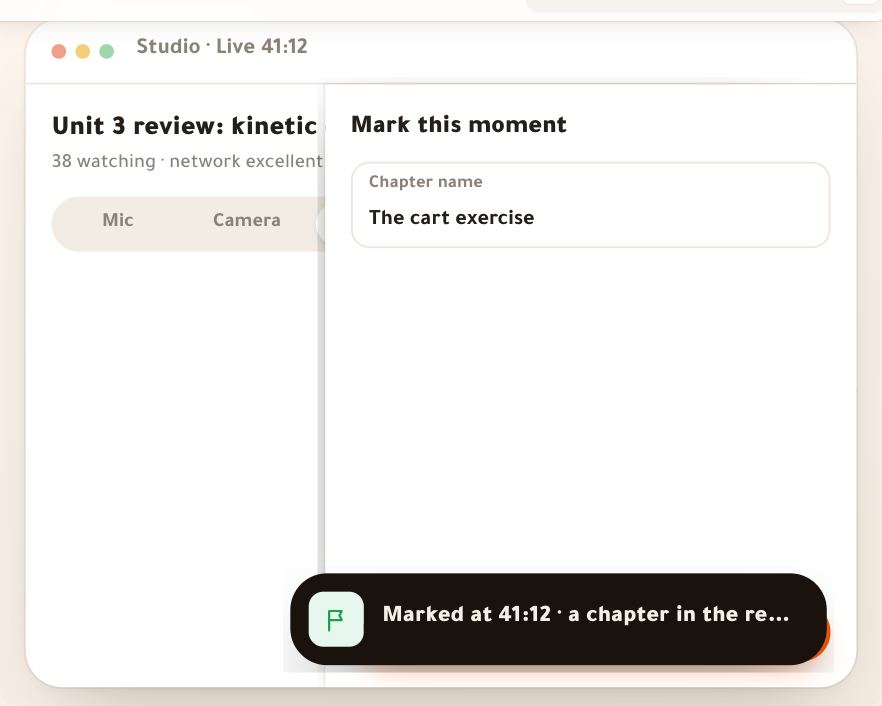
- On airOn air, the stage is in the middle with large controls under it, and one side panel in four parts: chat, questions, hands, people. The only red on screen is “Live” with its clock. Here Salim Bouzid is live with 38 students: he puts Youcef’s question on screen, Manel checks Sara’s voice and brings her on stage, he launches a quiz and shows the result, pins the exercise booklet, extends by 15 minutes and ends. The same controls serve an English tutor bringing a student up to speak, or a marketing coach answering her workshop’s questions. The Dirassa+ room isn’t open yet: until it is, every live runs on a Google Meet or Zoom link, with no studio; this lesson describes going live in the Dirassa+ room as it works once the room opens.8 steps · Throughout the live
After the live3 lessons
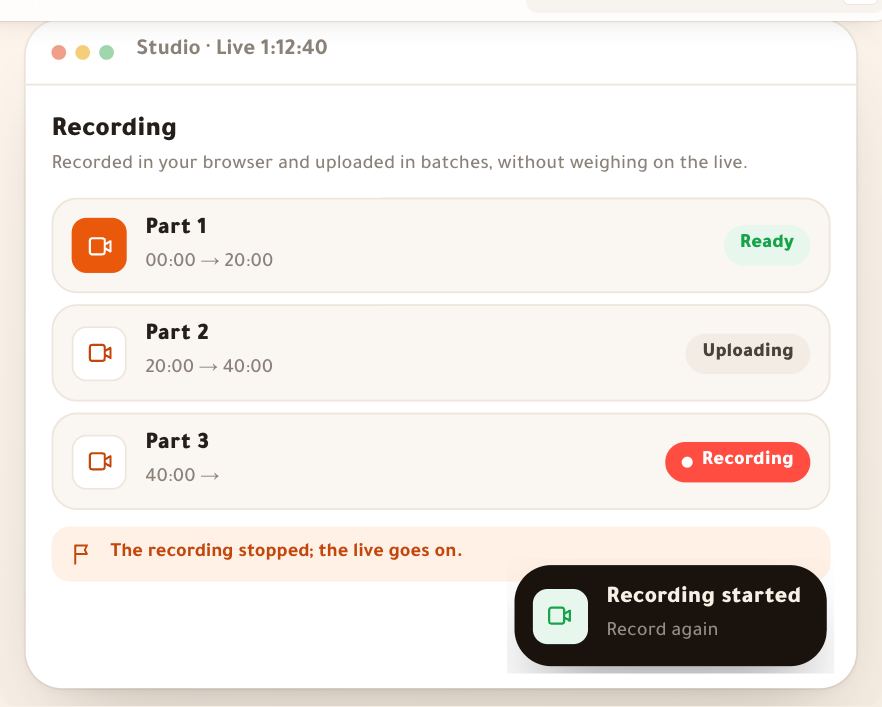
- Recording and replayEvery live in the “Dirassa+ room” is recorded by default from your browser: the studio keeps what students see, every voice included, and uploads it in parts during the live. Minutes after the end, the replay is ready in “Recordings”, with chapters made from the slides, polls, questions and your markers. There you trim the waiting and the goodbye, name the chapters, decide who watches and until when, or add it as a course lesson. Example: Salim Bouzid’s review (1 h 44 min) and Leila Kacemi’s free live, whose replay stays a week. The Dirassa+ room isn’t open yet: today lives run on a Google Meet or Zoom link, so no recording reaches this page; record from your meeting if you like, then add it as a lesson in your course.6 steps · 3 minutes per recording
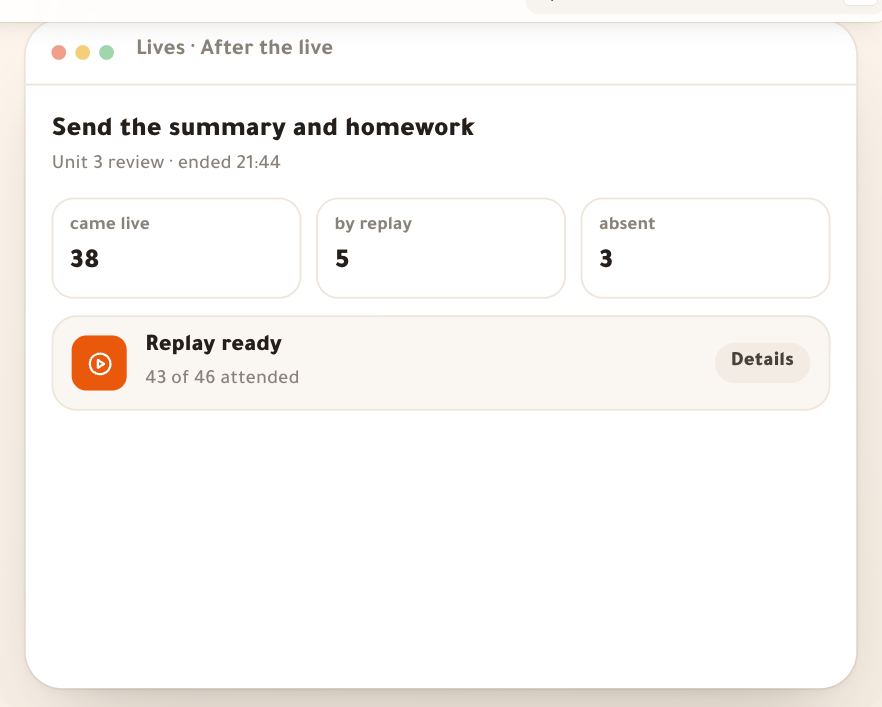
- After the liveToday every live runs on a Google Meet or Zoom link: when the class is over, mark it ended to write its summary and see who came; the summary and homework reach those who came and those who missed it, but with no replay from us: the replay, its chapters and what Noqta draws from them come with the Dirassa+ room, “Soon”. After every live, one page: who came and who missed it, a summary in short lines (written by you, or a Noqta draft from the live’s chapters, questions and polls that you read and approve), and homework with a due date and attachments. One send: those who came get it now, those who missed it get it with the replay when it’s ready. Salim Bouzid sends the Unit 3 summary and exercises 12, 14 and 17 to his 46 students; the photography trainer sends her free live’s registrants the key points and her workshop link; the English tutor sends the session’s vocabulary.5 steps · 3 minutes after each live
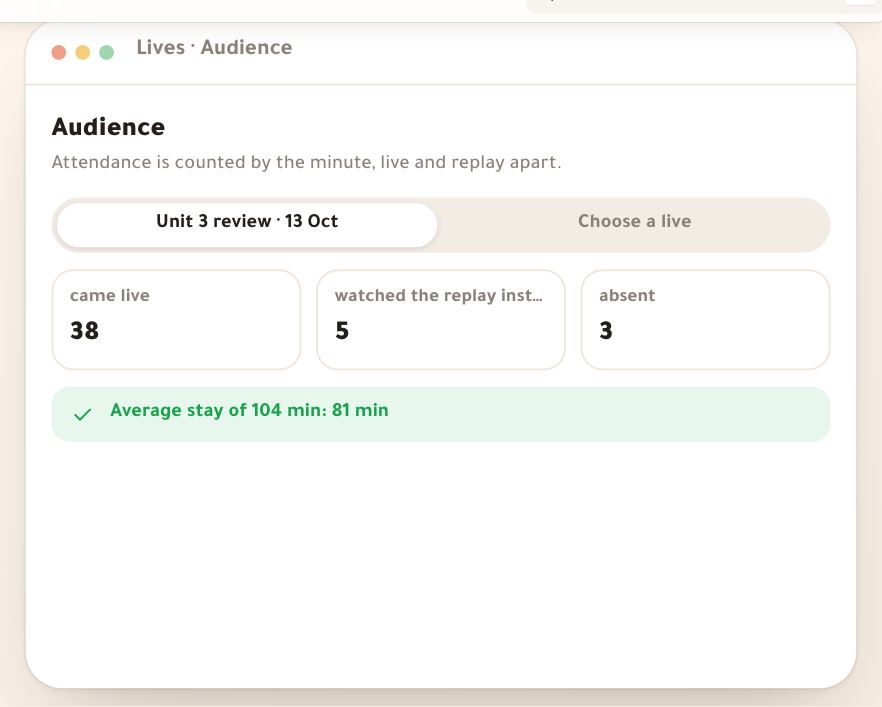
- Audience and reportsToday every live runs on a Google Meet or Zoom link: whoever presses the join button on the live’s page counts as present, without their minutes in the meeting; counting by the minute and replay minutes come with the Dirassa+ room, coming “Soon”. Once it opens, attendance in lives is counted by the minute: when each student joined and left, their minutes on air, and replay minutes apart. “Audience” shows one live name by name; “Reports” shows the month live by live. Salim Bouzid sees that 38 of 46 students came to the Unit 3 review live, 5 caught up by replay, and Khadidja in Béchar dropped twice; Leila Kacemi sees how long her free live’s audience stayed before she schedules her workshop.4 steps · 3 minutes
Series and the public2 lessons
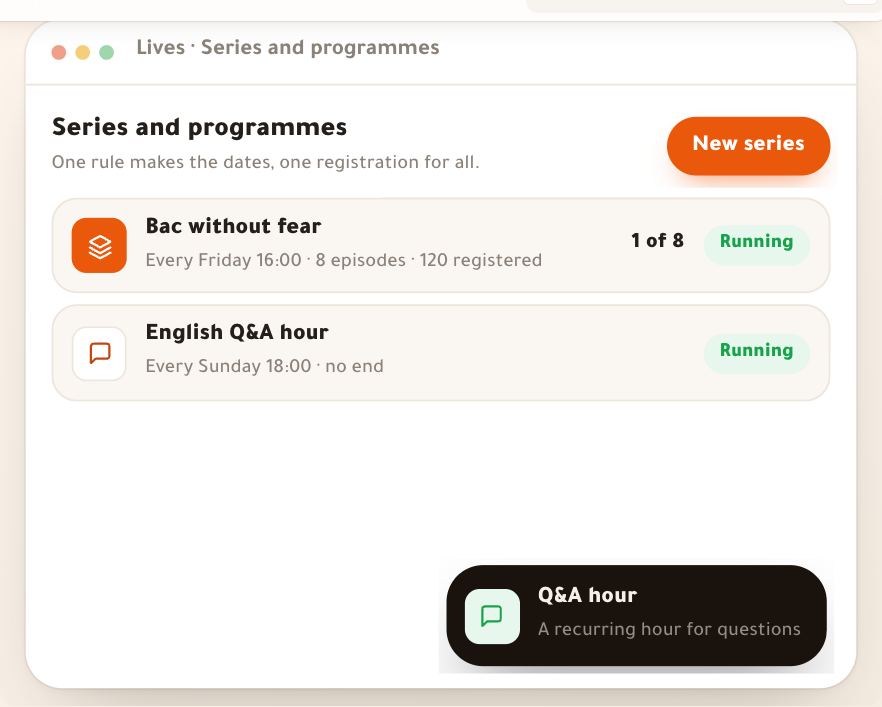
- Series and Q&A hoursWhen a live comes back every week you don’t schedule it one by one: you write a rule (“every Friday 16:00, eight episodes”), the dates appear, you name each episode, and students register once for all of them, with a reminder before each. Two kinds: a **series**, a programme with a number of episodes, and a **Q&A hour**, an open-ended weekly slot. Salim Bouzid builds “Bac without fear” in 8 Friday episodes; Karim Zerrouki and Wafa Sellami open the English Q&A hour every Sunday at 18:00. The same way works for a photography trainer running a 4-week photo challenge.6 steps · 4 minutes
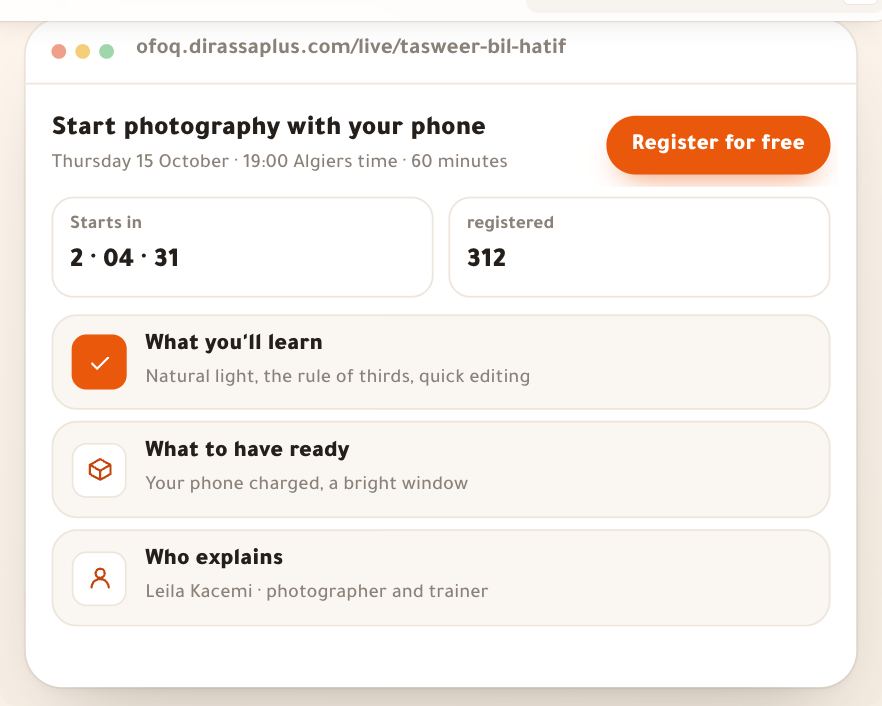
- Public lives and ticketsA public live opens to people outside your academy: a page on your site with a countdown, what attendees will learn and who explains, a registration with name, phone and email, or a ticket paid with your store’s methods. After registering, visitors add it to their calendar, get the reminders and come in through the same link when it starts. Leila Kacemi, a photography trainer, offers “Start photography with your phone” for free and 312 people register; Nesrine Haddad sells the “Reels in an hour” workshop at 1,200 DZD. The same road works for a physics teacher opening a trial class. Today, while the Dirassa+ room isn’t open, the live runs on your Google Meet or Zoom link: its page says “On Google Meet — the link reaches you before it starts”, and the join button shows to registrants and buyers a quarter of an hour before; no recording from us on a link.5 steps · 4 minutes