All parts
Lessons
Write lessons with text, video and files.
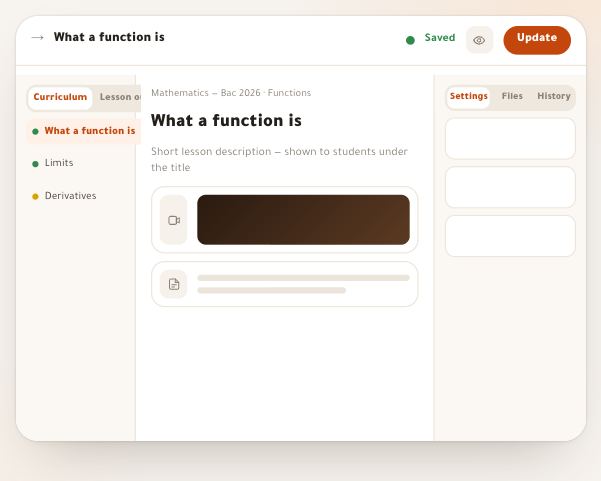
- The lesson editorA lesson is a page of blocks you see the way your student does: video, text with maths, an exercise whose solution opens step by step, a summary, a table, an interactive page and more — thirteen blocks, with the lesson’s questions at the end. Your work saves itself; publishing snapshots a version for students and your draft stays free. Every button of the editor is explained here, on desktop and phone, along with what your student sees.14 steps · 15 minutes
- Add and arrange blocksA lesson is a page of blocks: video, text, exercise, summary, table… and their order is the order of the explanation for your student. This lesson shows how to put each block exactly where you want it, see what it still needs, move it between sections, copy it to another lesson or keep it for all your courses — by mouse or by keyboard.6 steps · 6 minutes
- Noqta on a blockEvery block with words has a small Noqta button: simplify a hard paragraph, shorten a long explanation, fix the spelling, translate, summarize it in points, or turn it into an exercise with a step-by-step solution. You see her work as your student will, and nothing goes into the lesson until you choose “Use it”.5 steps · 4 minutes
- Lesson mode for studentsWhen your student opens a lesson, the portal’s menus step aside and the lesson stands alone: a bar with the course and where they are in it, the video first on a phone, then the explanation block by block, and beside it the curriculum, their notes and their questions. At the end, “After the lesson”: its questions, files, rating, then “Complete and go to the next”. This lesson shows the page as they see it, so you can explain it and know which settings change it.5 steps · 5 minutes